
Key takeaways
- An eSIM is a SIM built into your phone; you add a mobile plan by scanning a QR code or through your carrier’s app.
- Many phones can store several eSIM profiles, useful for a second line or a travel data plan.
- Switching carriers can be quicker, since there’s no card to mail or swap.
- Before replacing or resetting a phone, check how to transfer your eSIM.
- Protect your account with a carrier PIN or lock to reduce the risk of SIM swap fraud.
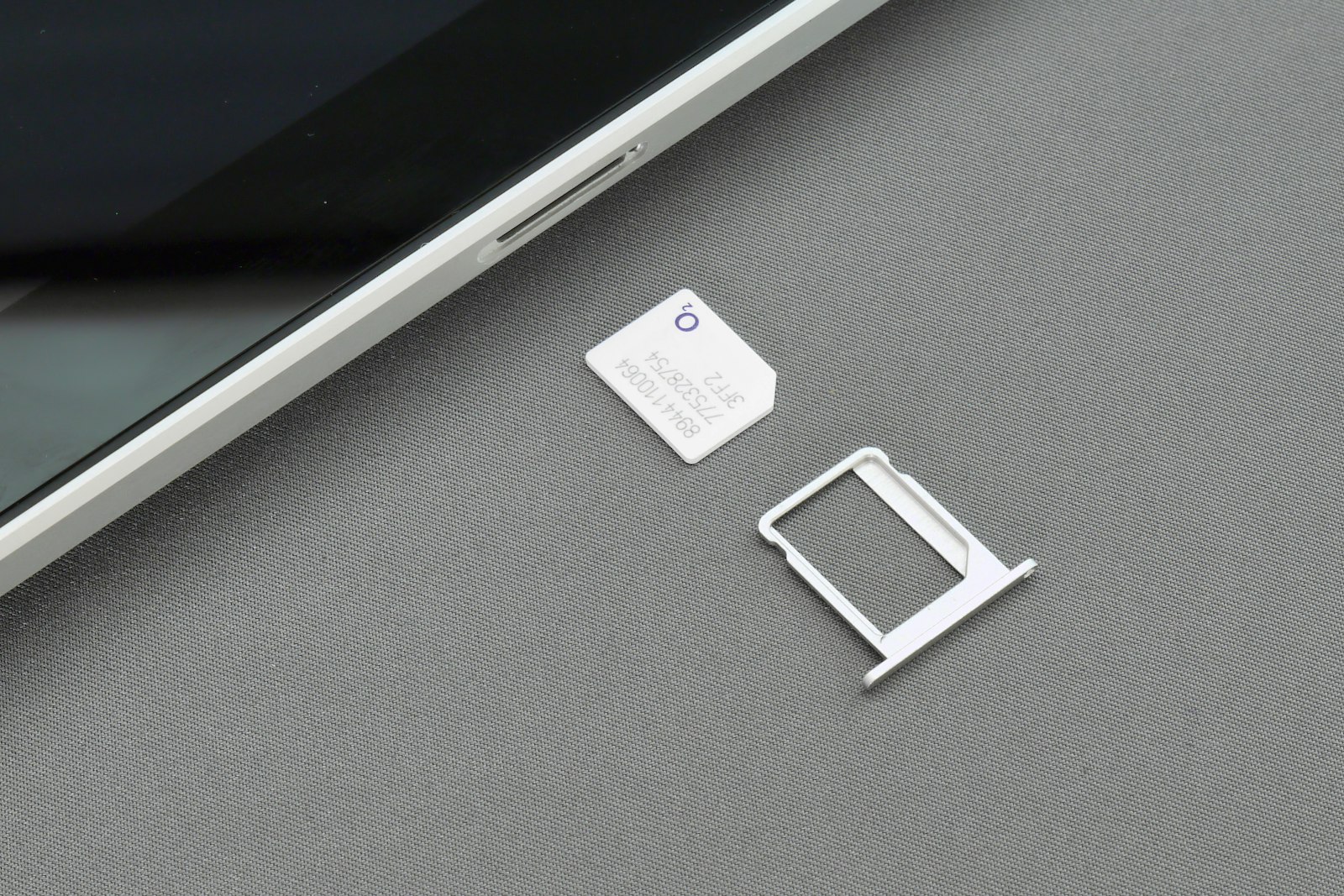
The SIM card has been shrinking for years, and many phones now skip it entirely. An eSIM, short for embedded SIM, is built into the phone, and your carrier sends your plan to it digitally.
How it works
Instead of inserting a card, you add a plan by:
- Scanning a QR code from your carrier, or
- Activating through the carrier’s app or the phone’s settings.
Your phone stores the plan as an eSIM profile. Many phones can store several profiles and let you switch between them, or use two at once.
Advantages
- Quick setup: no waiting for a card in the mail.
- Easy second line: add a work number or travel plan to the same phone.
- Travel data: buy a local or regional data plan as an eSIM before you arrive. Our guide to using your phone abroad covers your options.
- Harder to steal: there’s no card for a thief to remove.
Things to watch out for
- Changing phones: transferring an eSIM takes a few steps. Check your phone’s and carrier’s instructions before you wipe or trade in your old phone.
- Factory resets: some resets ask whether to keep or delete eSIM profiles. Read the prompt carefully.
- Carrier support: confirm your carrier, and any travel provider, supports your phone model.
Quick tip: Before a trip, install a travel eSIM at home over Wi-Fi and leave it switched off until you land. Setup is much easier with a good connection and time to spare.
Protect yourself from SIM swap fraud
Your phone number is often used for account recovery and text-message codes, which makes it valuable to criminals. In a SIM swap, a criminal persuades your carrier to move your number to a SIM or eSIM they control.
To reduce the risk:
- Set up a PIN or passcode on your mobile account, and ask your carrier about port-out or number-lock protections.
- Use an authenticator app instead of text-message codes for important accounts where you can.
- Act fast if your phone suddenly loses service for no clear reason: contact your carrier from another phone right away.
Data and plans
An eSIM doesn’t change how much data you use. To choose the right plan size, see our guide to how much mobile data you need.
FAQ
Does my phone support eSIM?
Check your phone’s settings, the manufacturer’s specifications or your carrier. Many recent phones support eSIM, and some models only use eSIM.
What happens to my eSIM if I lose my phone?
Contact your carrier straight away. They can suspend the line and transfer your number to a new phone or SIM.
Can I use a physical SIM and an eSIM at the same time?
Many dual-SIM phones allow it, for example a physical SIM for your main line and an eSIM for travel data.
What is SIM swap fraud?
It’s when a criminal convinces a carrier to move your phone number to a SIM or eSIM they control, so they can receive your calls and text codes. Account PINs and port-out protections make this harder.
This guide is general information. Plans, prices and program rules change, so check the details with your provider and official sources such as the FCC and FTC before you decide.